
Step 1: Create an account
Create a free Mavapay account. By default, you should use the test environment until you are done with the integration and are ready to go live.Step 2: Complete compliance (Production)
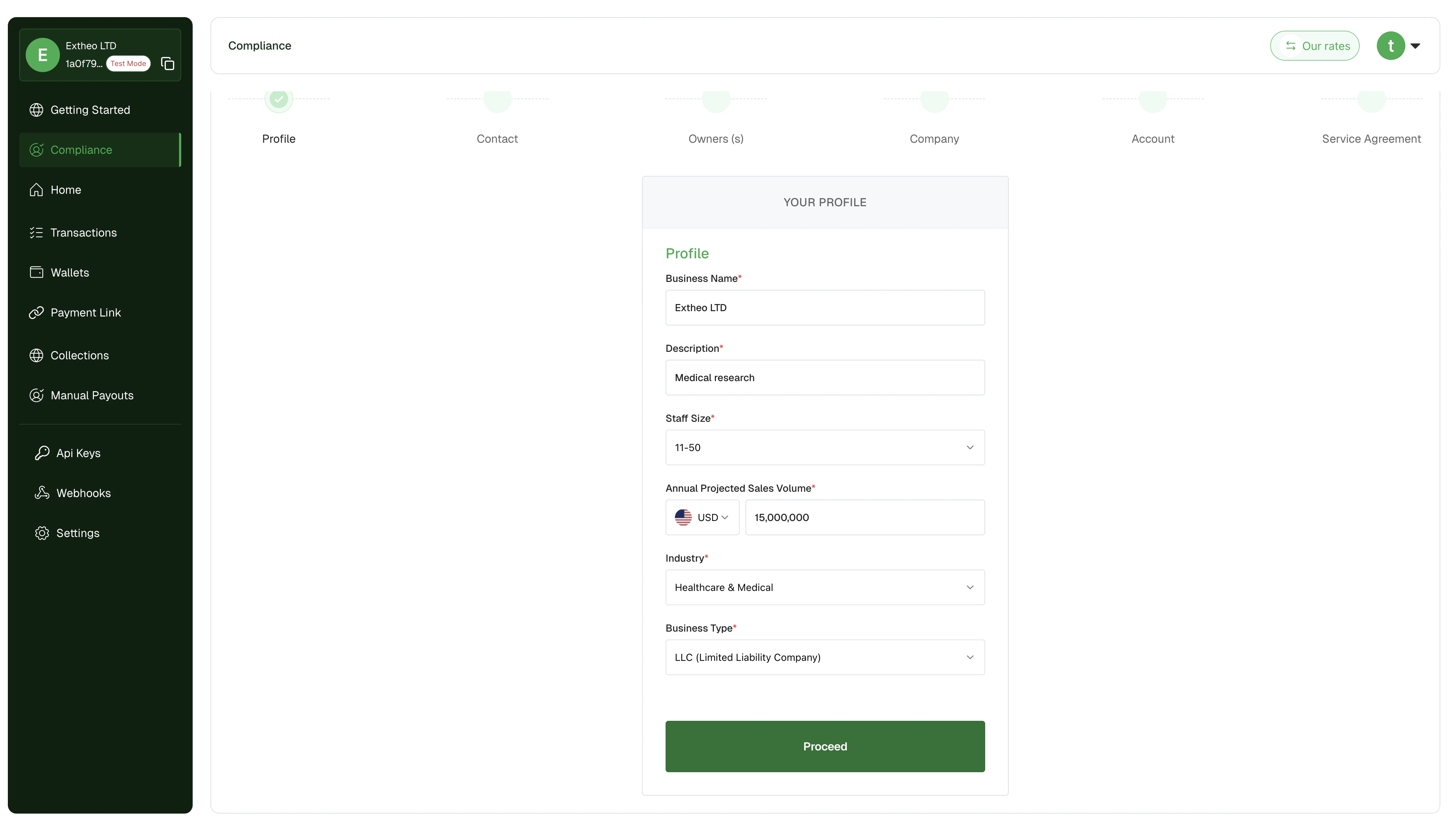
After creating your account onhttps://mavapay.co, complete the compliance section before API key generation is enabled.
Step 3: Generate your API key
Once your compliance submission is approved, go to the API Keys section and generate your API key.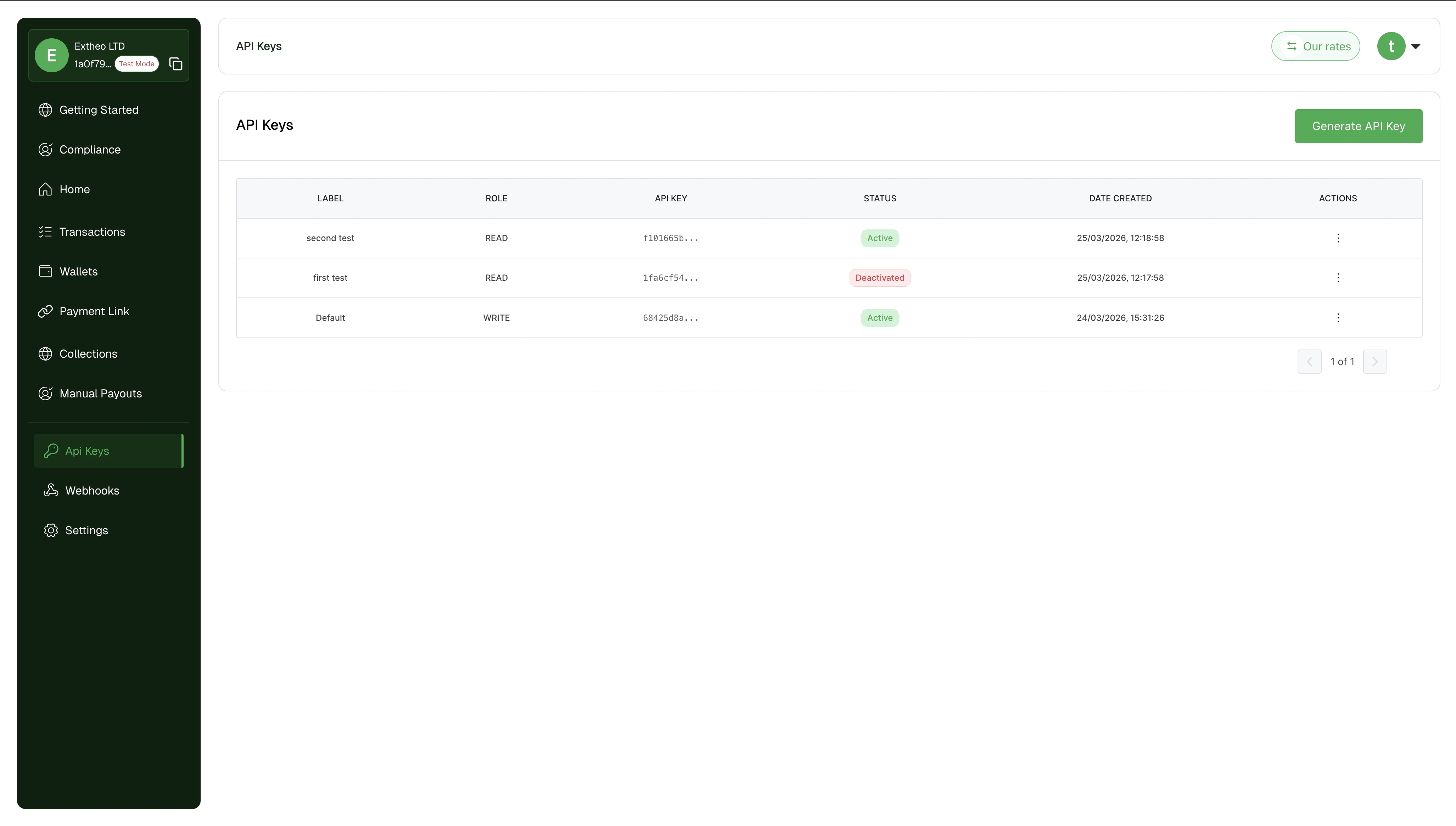
Step 4: Start building
You can now start building with the Mavapay API. In the staging environment, you would be able to:- Collect payments using mocked card data
- Make transfers to dummy accounts (bank accounts and mobile money wallets).
- Build with our wallets (using mock data), including the USDT wallet for deposits and withdrawals.
- Configure your integration to handle different scenarios like failed payments, successful payments, etc.
- Complete KYC verification and go live with your integration.
On sandbox (
https://staging.mavapay.co), compliance approval is instant for testing, so you do not need to fill the compliance form before generating test API keys.